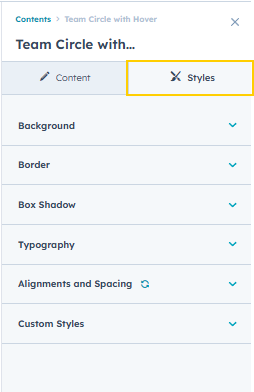
Team Circle with Hover
Module Name: Team Circle with Hover
Module Location: @marketplace > GiantFocal
Preview: “Put Module Link here”
Available Fields:
- Layout - this group of fields is responsible for the layout of the module
- Content - this group of fields is responsible for the module contents
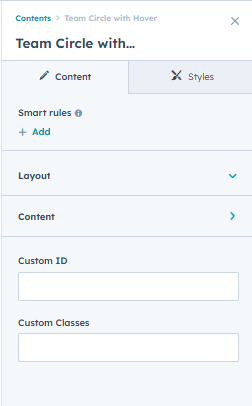
- Layout - inside the layout fields
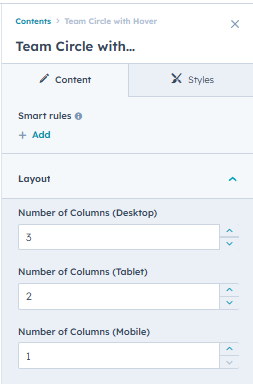
- Content - inside module content
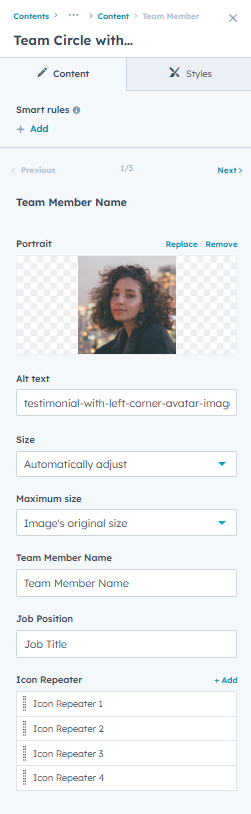
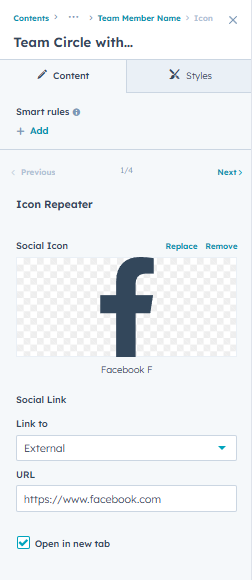
- Inside the Icon Repeaters
Usage
Adding the module to the page
- Search the name of the module then drag it anywhere on the page.
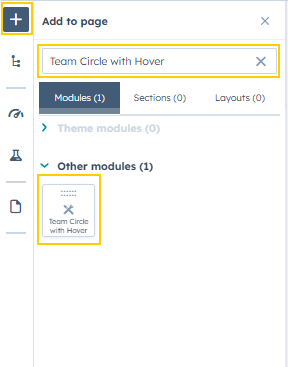
- Then you can find all the module settings
Editing the Module contents and styling
- Content - this tab is responsible for all the module contents and layout.
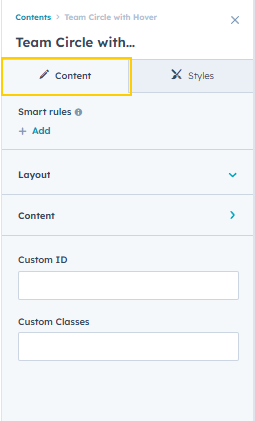
- Layout - all fields here are the for the grid layout of the module
- Content - all the fields here are the contents of the module
- Inside the Icon Repeater
- Styles - this tab is responsible for the module styles/design.